
Intro to Data & Tables
Data is the foundation on which your Rowmesh app is built.
Rowmesh was designed to make it possible for anyone to build internal tools without needing to be a highly skilled software engineer.
However, even app no-code apps need some data to start with. This is why you can connect your Rowmesh app to several different data sources. We like to say that Rowmesh is a backend agnostic platform - ultimately helping our customers build internal tools from any data source without writing a single line of code.
If your data is already set up in one of our supported data sources, you can simply connect that and build your app. Otherwise, if you're yet to set up a database elsewhere, you can build out your database directly in Rowmesh without writing any code using Rowmesh tables.
If you're new to databases and tables, check out our What are Tables? guide to understand the fundamentals.
If you'd like to connect a data source that we don't yet support, please do get in touch! We'd love to hear about your use case.
Read our guides below on how to connect each of our available data sources to your Rowmesh app.
AirtableGoogle SheetsMySQLPostgreSQLRowmesh TablesXanoChoosing which of your tables are synced
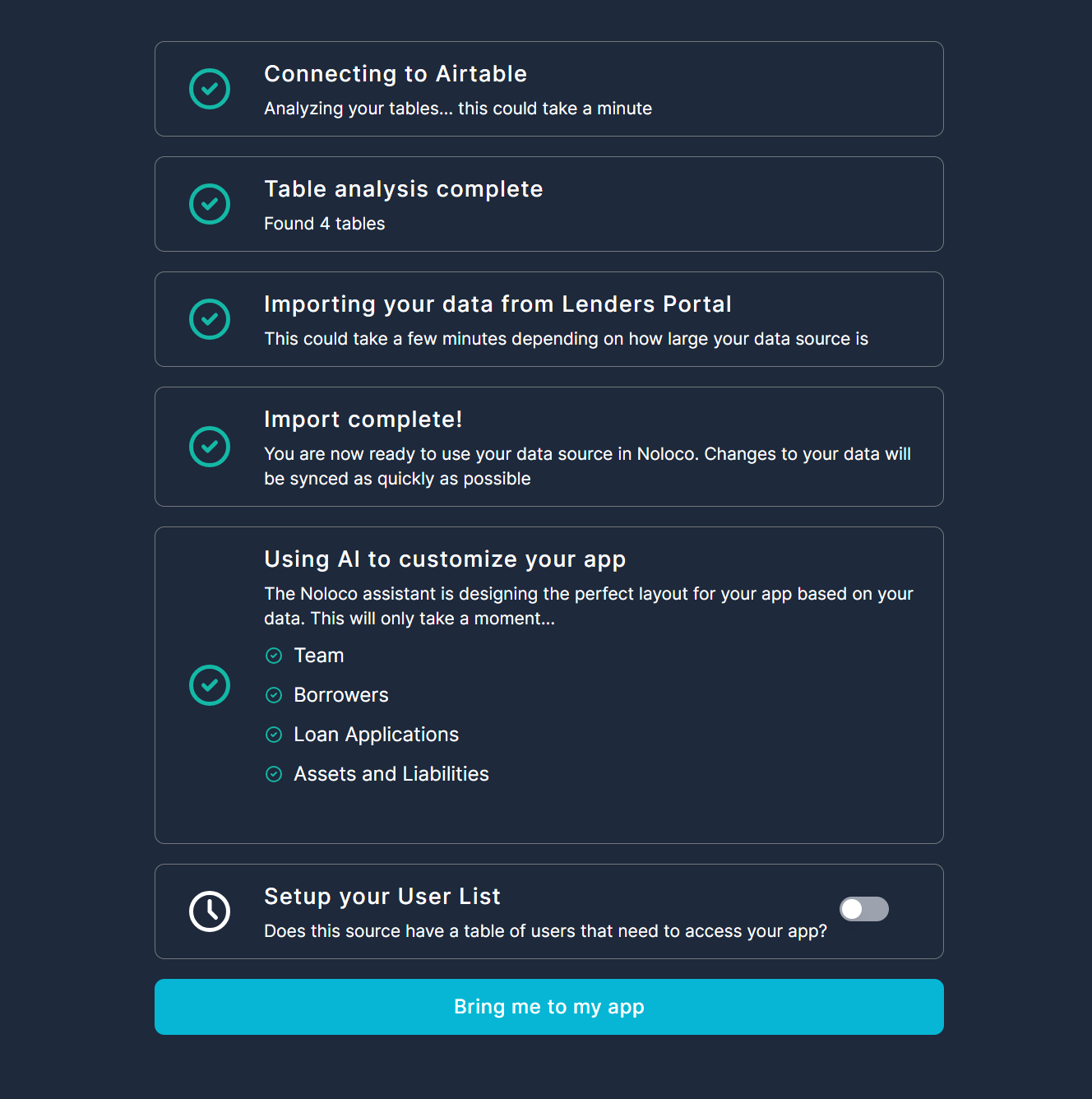
When you connect an external data source to Rowmesh you will be able to select which tables Rowmesh will import and keep in sync. Toggling off unneeded tables may improve sync times and will help keep your app from getting too cluttered to manage.
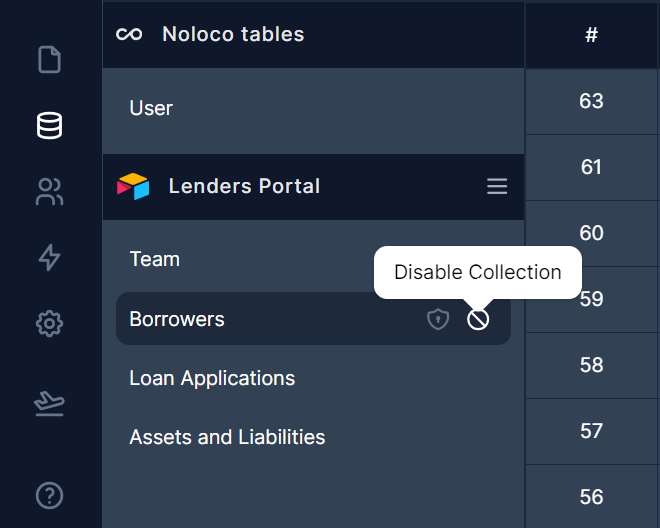
After disabling a table it will no longer be synced into Rowmesh and you will not see it as an option when building views around your data.
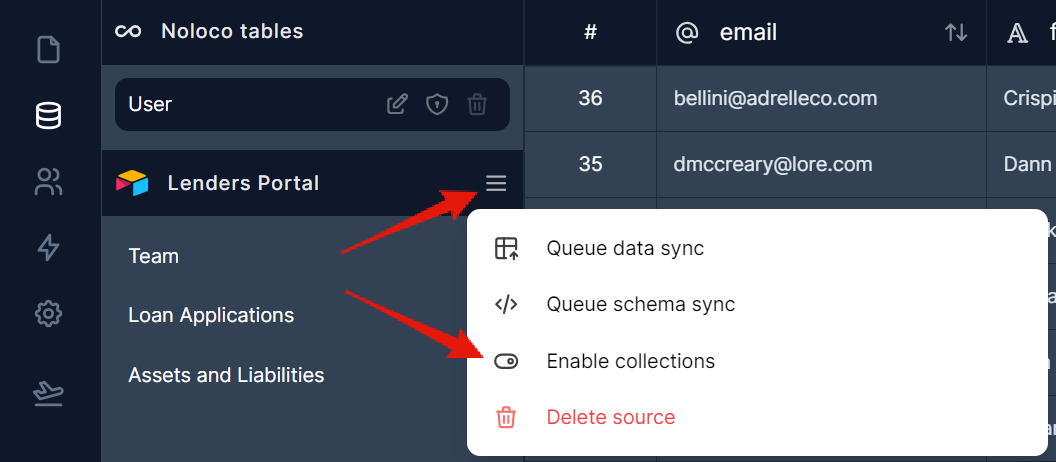
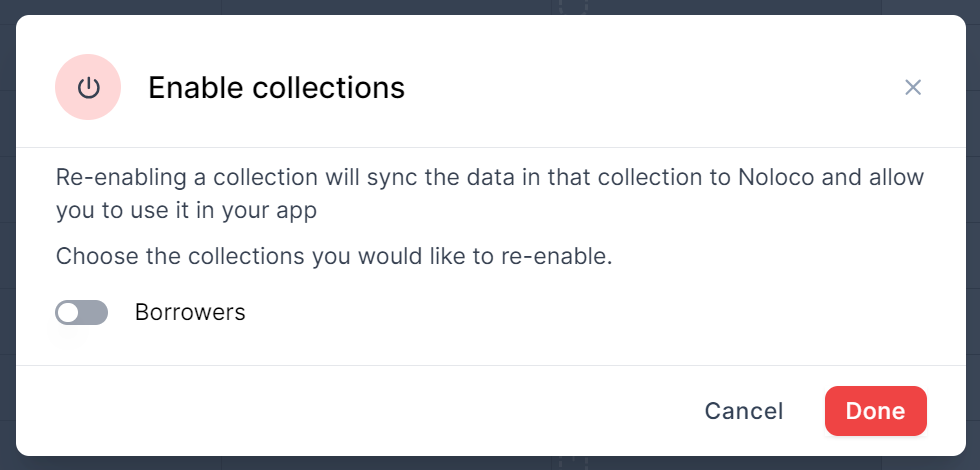
To re-enable a disabled table:
Click on the hamburger menu
Select Enable tables
Toggle on the slider next to the table and click on Done
Last updated
Was this helpful?